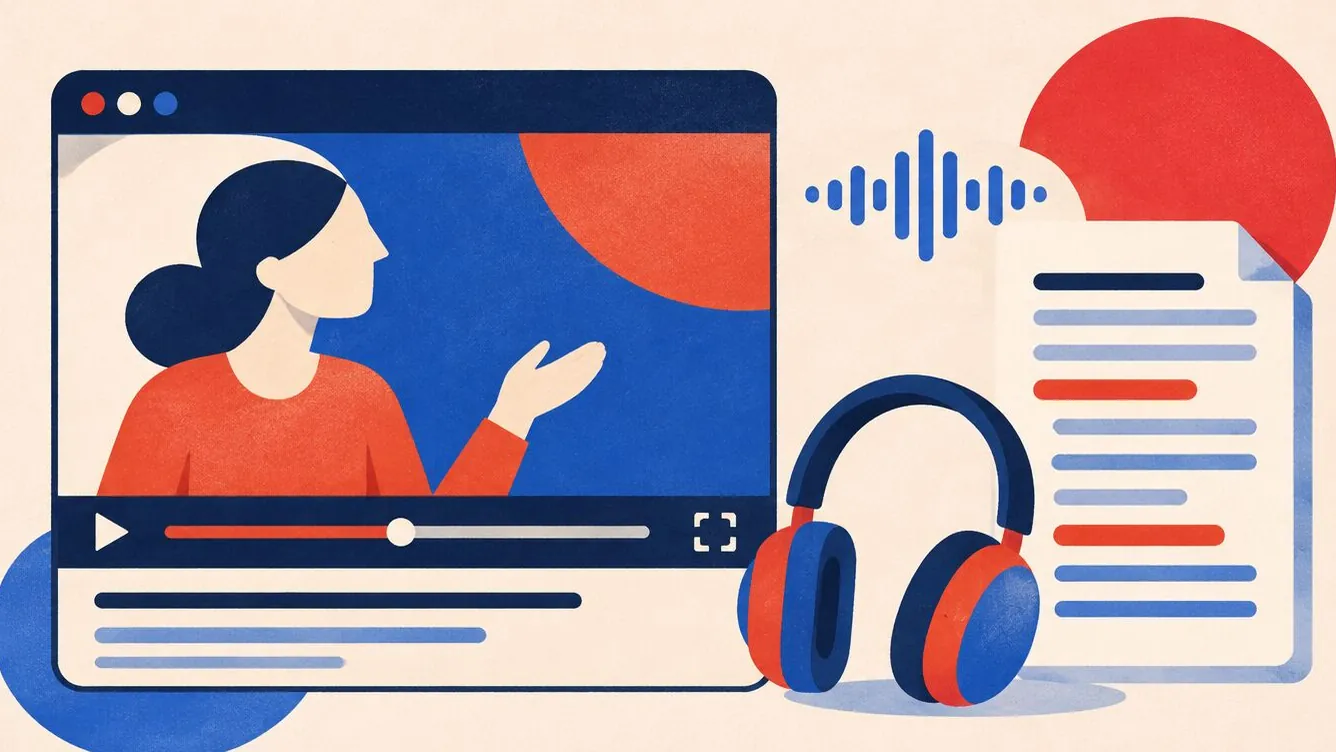
How to make video and audio accessible: captions, transcripts and more
Captions, transcripts and audio description explained simply, with what WCAG asks for, which tools help, and how to avoid autoplay problems.
Guides
Step-by-step web accessibility guides: alt text, colour contrast, keyboard testing, forms, video captions, audits and accessibility statements.
Captions, transcripts and audio description explained simply, with what WCAG asks for, which tools help, and how to avoid autoplay problems.
What WCAG is, what A, AA and AAA mean, and the new WCAG 2.2 rules explained simply, with what to check on your own site.
An accessibility statement tells visitors what you have done, what is not perfect yet and how to reach you. Here is what to include, plus a simple template.

A five-minute keyboard test finds problems no scanner can. Learn which keys to press, what to look for, and how to fix the most common issues.
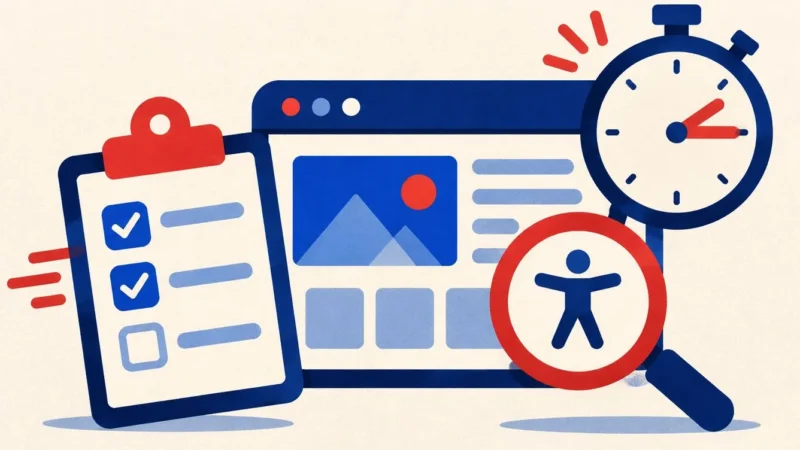
A practical audit plan for small teams: what to scan, what to test by hand, how to rank what you find, and how to keep it from coming back.
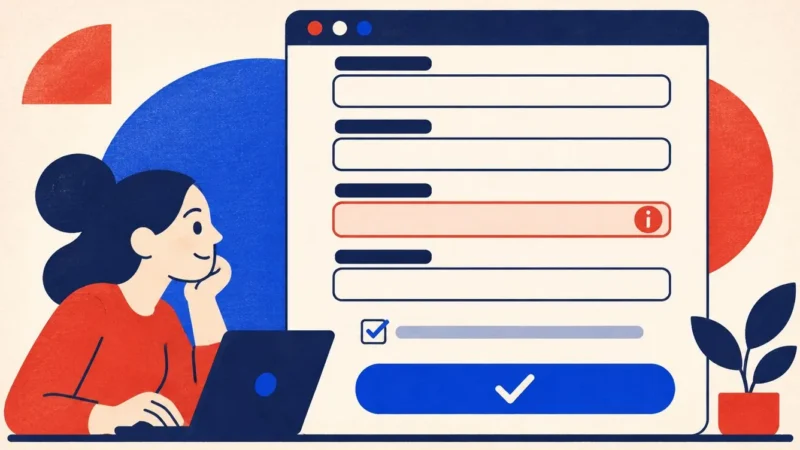
Forms are where people buy, book and contact you. Learn how to label fields, show errors, group options and avoid the traps that lose customers.

Alt text describes images for people who cannot see them. Learn what to write, what to skip, and how to handle logos, icons and decorative images.
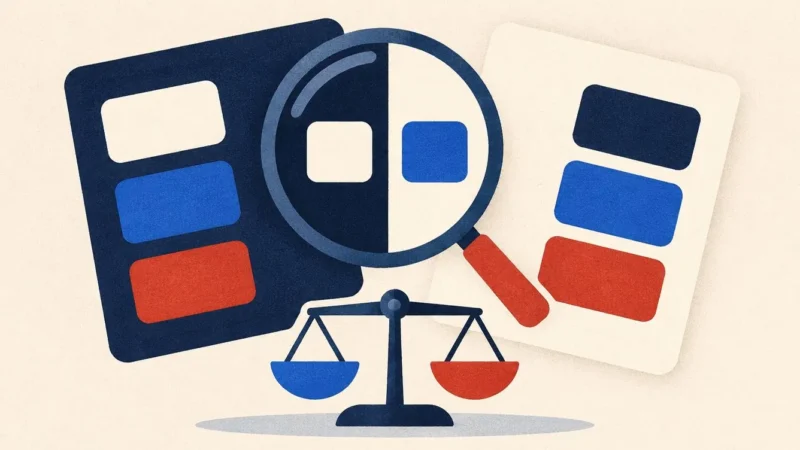
Low contrast text is the most common accessibility error online. Learn the WCAG ratios, how to test your colours in minutes, and how to fix them.
Paste your website address. In two minutes you get a score, a list of issues with fixes, and a widget your visitors can use right away.
14-day free trial · No card needed · Cancel anytime