The short answer
WCAG (Web Content Accessibility Guidelines) is the international standard for accessible websites, published by the W3C. WCAG 2.2 became a W3C Recommendation on October 5, 2023. It keeps everything from 2.1, removes one outdated rule (4.1.1 Parsing) and adds nine new success criteria, six of them at levels A and AA, mostly about focus, touch targets, help and logins.
Key takeaways
- Level AA is the usual target in laws and contracts.
- WCAG 2.2 is backwards compatible: meet 2.2 and you meet 2.1 and 2.0.
- New AA rules: focus not hidden, dragging alternatives, 24px targets, easier logins.
- New A rules: consistent help, no re-typing the same information.
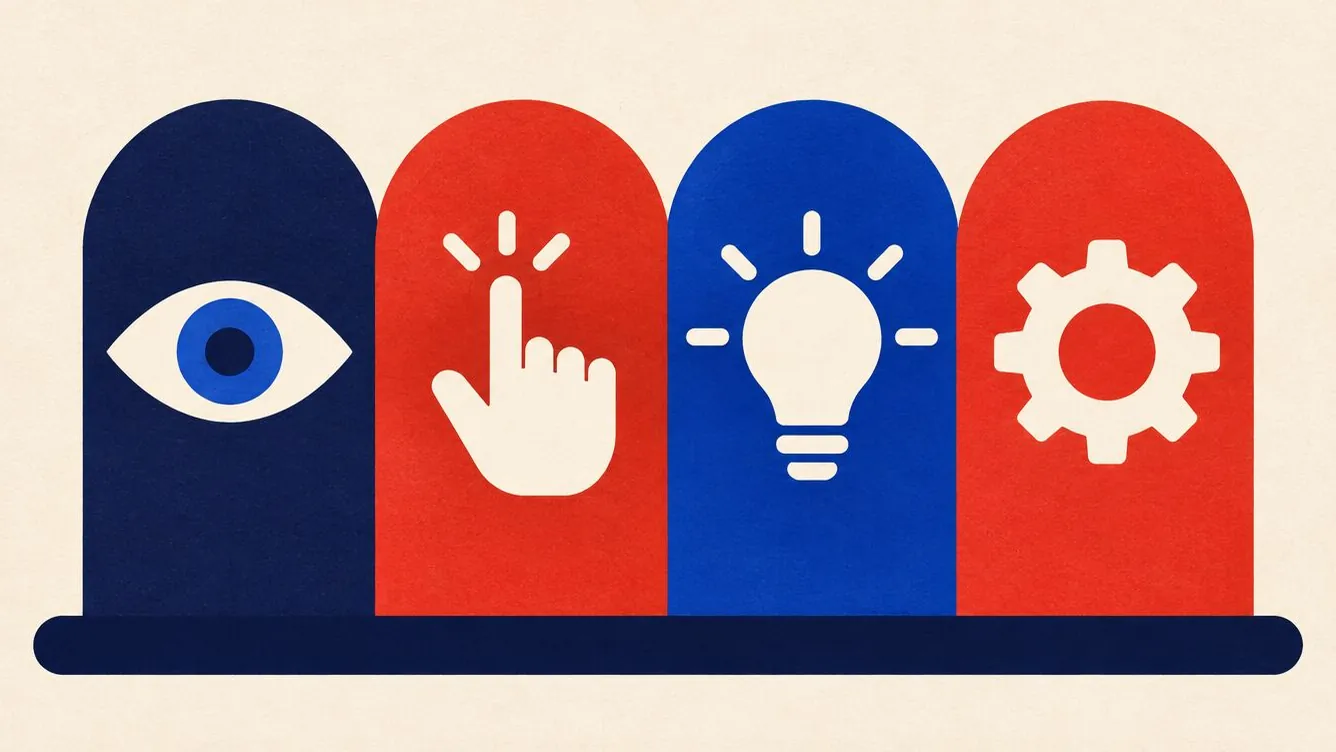
- The four principles: perceivable, operable, understandable, robust.
If you build or run a website, you will hear “WCAG AA” a lot. Here is what it means without the jargon.
The basics
WCAG is organized under four principles: content must be perceivable (people can see or hear it), operable (people can use it with different devices), understandable (clear and predictable) and robust (works with assistive technology). Under these are testable rules called success criteria, each with a level:
- A: the minimum. Without these, some people cannot use the site at all.
- AA: the standard most laws and policies point to. Includes contrast, resizing and visible focus.
- AAA: the highest level. Not usually required for whole sites.
What is new in WCAG 2.2
| Rule | Level | In plain words |
|---|---|---|
| 2.4.11 Focus Not Obscured (Minimum) | AA | The focused item is not fully hidden behind sticky headers, banners or chat bubbles. |
| 2.5.7 Dragging Movements | AA | Anything you can drag also works with a simple click or tap, like arrows on a slider. |
| 2.5.8 Target Size (Minimum) | AA | Click and tap targets are at least 24 by 24 CSS pixels, or have enough space around them. |
| 3.2.6 Consistent Help | A | If you offer help (phone, chat, contact link), it is in the same place on every page. |
| 3.3.7 Redundant Entry | A | Do not ask for the same information twice in one process. |
| 3.3.8 Accessible Authentication (Minimum) | AA | Logging in does not require a memory or puzzle test. Allow paste and password managers. |
| 2.4.12, 2.4.13, 3.3.9 | AAA | Stricter versions for focus visibility, focus appearance and authentication. |
The removed rule, 4.1.1 Parsing, dealt with HTML errors that modern browsers now handle on their own.
What to check first on your site
- Tab through your pages with a sticky header and a cookie banner open. Is focus ever hidden?
- Look at small icon buttons, pagination and close buttons on phones. Are they big enough?
- Is your contact or help link in the same place on every page?
- Can people paste into your password and code fields?
Accessible Nord checks for 32 common WCAG issues in your page code and runs live checks in real browsers. It cannot test everything in WCAG; nothing automated can. Use it alongside the manual steps in our one-afternoon audit guide.
What about WCAG 3?
The W3C is working on WCAG 3, a bigger rewrite with a different scoring model. It is still a draft and years from being a standard. WCAG 2.2 AA is the right target today.
Sources
- W3C WAI: What's new in WCAG 2.2
- Web Content Accessibility Guidelines (WCAG) 2.2
- W3C WAI: WCAG 3 introduction
Last reviewed .
Frequently asked questions
Which WCAG version do laws require?
It varies. Many reference WCAG 2.0 or 2.1 AA; the US Title II rule uses 2.1 AA. Because 2.2 is backwards compatible, aiming for 2.2 AA covers them.
Can a website be 100% WCAG compliant?
It is possible but needs both automated and manual testing, and it can change with every content update. Treat it as ongoing work, not a one-time badge.
Does WCAG apply to mobile apps?
The principles apply, and some laws use WCAG for apps too. The W3C publishes guidance on applying WCAG to non-web software.
This guide is general information, not legal advice. For your specific obligations, check with a lawyer or your regulator.